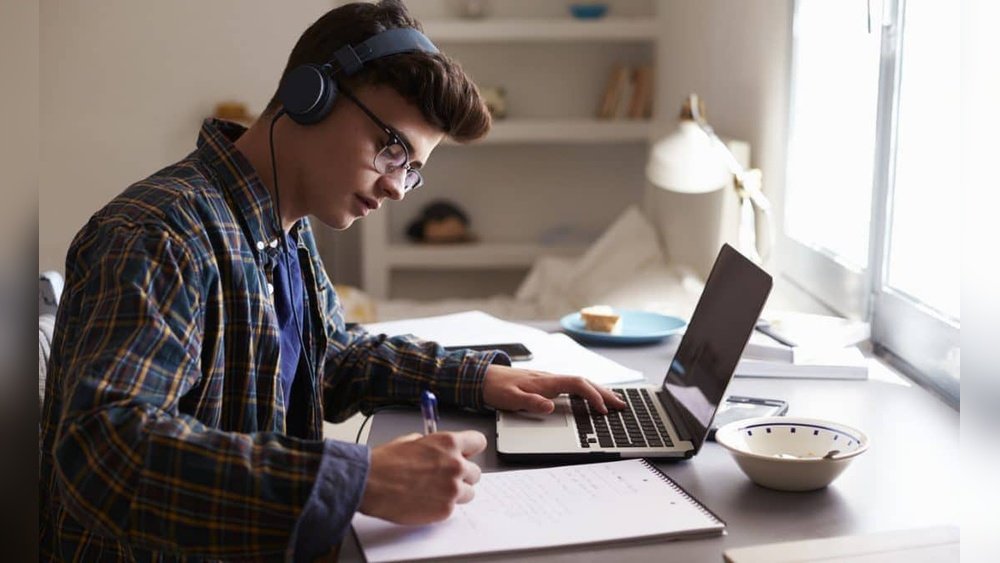
Setting up for online classes can feel overwhelming. But did you know that 84% of students say their learning experience improves with a good home setup? A strong setup means better focus, less stress, and higher grades. Whether you’re a student, parent, or teacher, this guide will help you create the best setup for online classes—with smart organization, budget tips, and easy upgrades for any home.
A good setup is more than comfort. It builds discipline and gives you a sense of control, even during busy or stressful times. When your space is ready, you spend less time searching for supplies or fixing tech problems. This means more time for learning and less frustration.
Many students find that a strong routine and a well-designed space also help them manage anxiety and stay motivated.
What Makes The Best Setup For Online Classes?
The ideal online class setup is more than just a laptop and chair. It’s about comfort, tech, lighting, and organization. Let’s break down the essentials and extras so you can start strong, avoid common mistakes, and learn better every day.
Good setups adapt to your space and needs. For example, a college student might need extra monitors for research, while a younger student may just need a quiet spot and a tablet. No matter your age or subject, the basics stay the same: a calm, organized space with the right tools.
Stat: Students with a dedicated workspace are 2x more likely to complete assignments on time.
Essential Equipment For Online Classes
You don’t need to buy everything new, but some basics are a must. Don’t underestimate the power of small changes—sometimes just moving your desk or upgrading your headphones can make a big difference.
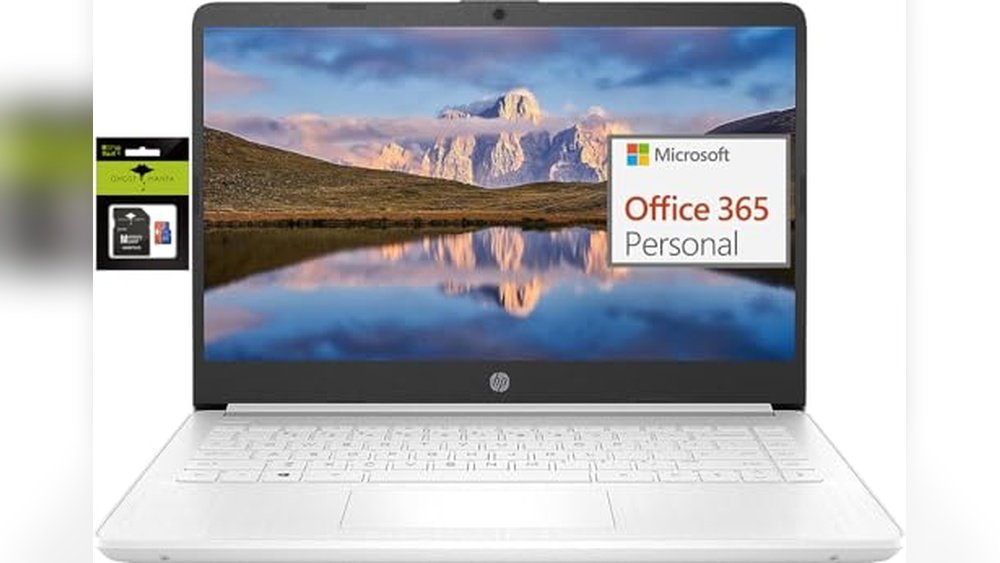
1. Reliable Computer Or Tablet
A laptop or desktop with at least 8GB RAM is ideal for video calls and multitasking. Tablets work for younger students or light use. Test your device speed before class. If your device is old, updating the software or adding extra memory can help extend its life.
- Pro Tip: Refurbished models can save 30–40%. Many schools and libraries also offer device lending programs—ask your school if you need help.
- Extra Insight: Not all tablets support the same apps as computers, which can be a problem for assignments. Check your class requirements before buying.
2. Stable Internet Connection
Aim for minimum 10 Mbps download speed. Wired connections (Ethernet) are more stable than Wi-Fi. If your Wi-Fi is weak in your study area, try moving your router or using a Wi-Fi extender.
- Mistake: Relying on spotty mobile data. Video calls and uploads can quickly use up your data plan.
- Extra Insight: Test your connection at the same time as your classes. Internet speed can change during peak hours.
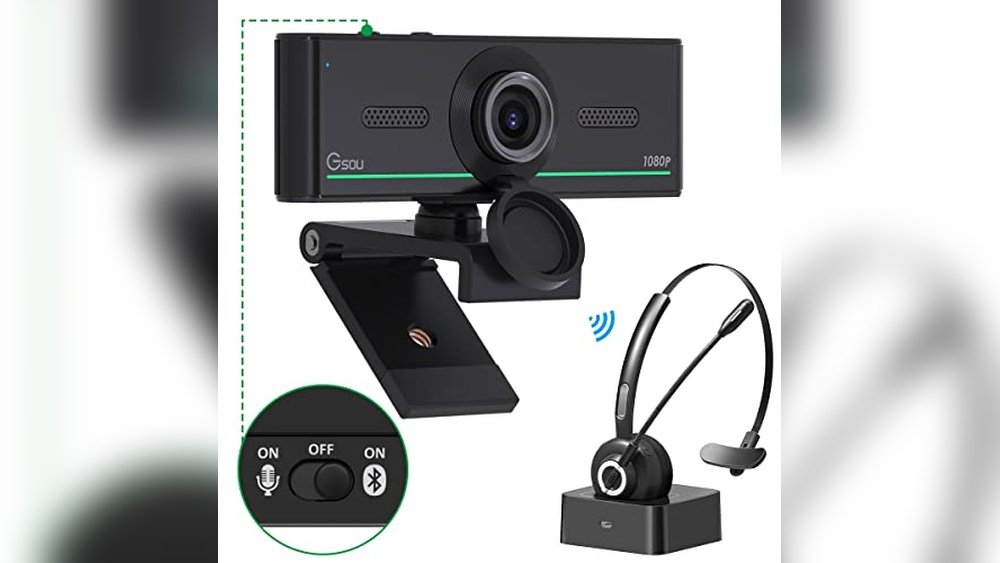
3. Webcam And Microphone
Built-in webcams are usually fine. For clearer sound, consider a USB headset or external mic. This is especially important if you need to speak in class or record presentations.
- Pro Tip: Noise-cancelling mics reduce background sounds, making it easier for others to hear you.
- Extra Insight: Some video platforms let you blur your background if your room is not tidy—helpful for privacy.
4. Comfortable Chair And Desk
Choose a chair with back support. A table at elbow height helps reduce fatigue. Avoid studying from bed. If you don’t have a desk, a sturdy dining table works well.
- Stat: Poor posture increases fatigue by 40%.
- Extra Insight: Sitting in the same spot for hours can cause back pain. Stand up and stretch every hour.
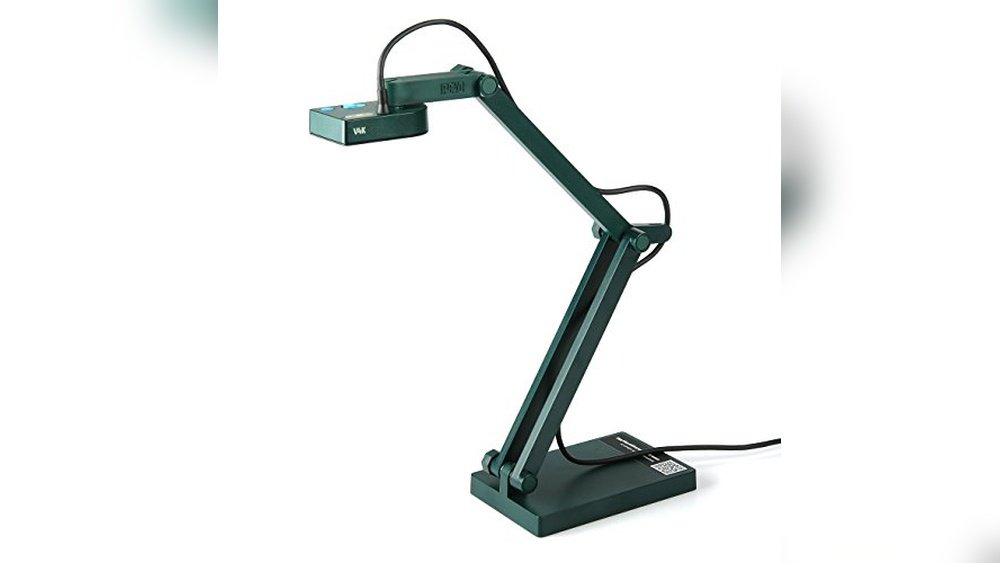
5. Good Lighting
Natural light is best. If not possible, use a desk lamp that shines on your face (not from behind). Avoid strong light from the side, as it can cause shadows on video calls.
- Practical Tip: Try a lamp with adjustable brightness. This helps prevent eye strain during long study sessions.
6. Power Source And Backup
Keep your charger nearby. For areas with outages, a power bank or small UPS can save your work. Always plug your device into a surge protector to avoid damage from sudden power cuts.
- Extra Insight: Some students use long charging cables so they don’t have to move during class.
7. Notebook And Stationery
Digital tools are great, but paper notes help with memory. Keep pens, sticky notes, and a notebook handy. Some students like using color-coded pens for different subjects, which helps organize information visually.
- Pro Tip: Use sticky notes for quick reminders or to mark important pages.

Credit: www.youtube.com
Optional Upgrades For Better Learning
If you want to go further, these extras can boost comfort and productivity. Small upgrades can make a big difference, especially during long study periods.
1. External Monitor
A second screen helps when referencing slides, notes, or group chats. Great for multitasking. You can use an old TV as a monitor with the right cable.
- Extra Insight: Splitting your screen between two monitors reduces eye strain and helps you stay organized.
2. Keyboard And Mouse
A full-size keyboard and mouse prevent hand strain if you use your laptop for hours. Wireless options are more flexible, but wired ones are often cheaper and never need charging.
3. Noise-cancelling Headphones
Block distractions in busy homes or apartments. Some models let you adjust how much outside noise you hear.
- Pro Tip: If you can’t afford new headphones, soft foam earplugs can also block noise.
4. Ergonomic Accessories
Try a laptop stand to raise your screen, or a footrest for better posture. Even a stack of books works as a laptop riser if you’re on a tight budget.
5. Whiteboard Or Corkboard
Keep key deadlines, class links, and reminders in view. Visual reminders help with time management and reduce anxiety about missing tasks.
6. Printer/scanner
Useful for submitting handwritten assignments, especially in primary and secondary schools. Many smartphones can scan documents using free apps, which is a good alternative.
Space Organization: Make Learning Easy
A cluttered space is distracting. Here’s how to keep your online learning area simple and effective. Organization is not just about neatness—it helps your brain know it’s time to focus.
Tip: Spend 3 minutes each day clearing your desk to stay focused.
Pick The Right Spot
- Choose a quiet corner with good light.
- Face away from busy areas.
- If space is tight, use a folding table or portable tray.
- Extra Insight: If you share a room, use headphones and a privacy screen (even a piece of cardboard works).
Keep It Tidy
- Store supplies in a small box or drawer.
- Hide cables with clips or ties.
- Add a small plant for a fresh look.
- Avoid piling up books and papers—scan or file old notes regularly.
Set Daily Routines
- Start and end study sessions at the same spot.
- Have water and snacks nearby—but away from electronics.
- Put your phone on silent or in another room when you need to focus.
Budget Breakdown: Smart Spending For Online Classes
Not sure what to prioritize? Use your budget wisely. Don’t forget to check for student deals or seasonal sales—many stores and brands offer discounts for back-to-school.
| Item | Essential? | Budget | Tip |
|---|---|---|---|
| Laptop/Desktop | Yes | $250–$700 | Buy used or refurbished |
| Headset | Yes | $15–$50 | Look for student discounts |
| Desk & Chair | Yes | $60–$200 | Repurpose dining furniture |
| Laptop Stand | No | $20–$40 | Books can work as a stand |
| External Monitor | No | $80–$200 | Check for secondhand deals |
Don’t spend on extras until you have the basics in place. If you have to choose, invest in your device and internet first. Local community centers or libraries sometimes have free resources for students in need.
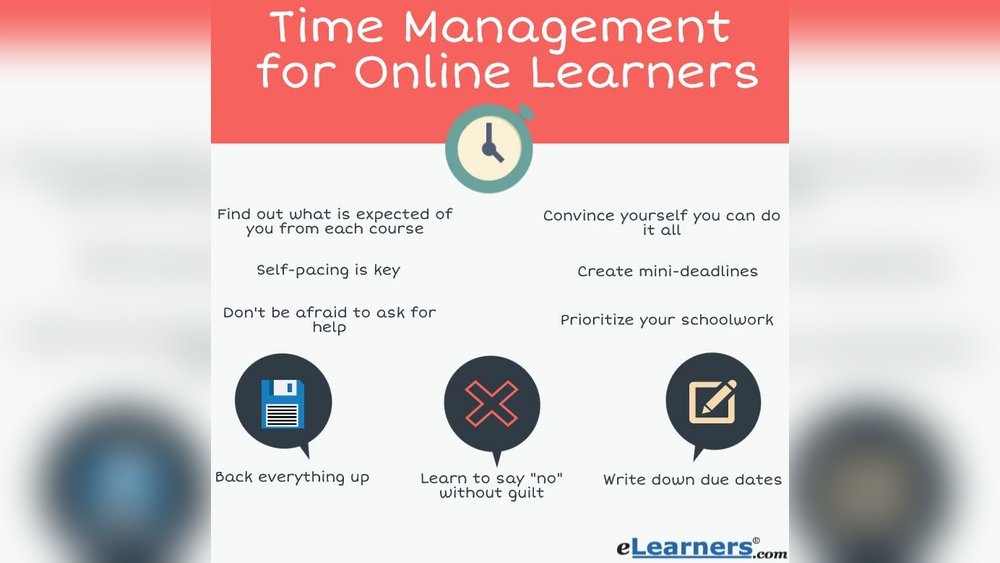
Time Management: Plan For Success
A great setup is wasted without good habits. Here’s how to manage time during online classes.
Use A Planner Or App
Track classes, assignments, and deadlines. Google Calendar and Notion are free tools. Paper planners work too—choose whatever you’ll actually use.
- Extra Insight: Set reminders for important deadlines to avoid last-minute stress.
Block Distractions
Turn off notifications. Tell family your class times to avoid interruptions. Some students use “Do Not Disturb” signs or wear headphones as a signal.
- Practical Tip: Use browser extensions like StayFocusd to limit distracting websites.
Take Breaks
Follow the Pomodoro Technique: 25 minutes of study, 5 minutes break. Repeat. Stretch, walk, or just close your eyes for a minute—don’t skip breaks.
Set Goals
Start each day with 1–2 main learning goals. Review your goals at the end of the day to track progress.
- Extra Insight: Small wins add up. Celebrate finishing a tough assignment with a reward, like a favorite snack or a short walk.

Credit: www.bluehost.com
Quick-start Checklist
Get ready fast with this checklist.
quick Setup Checklist:
- computer/tablet Charged And Updated
- internet Tested (speedtest.net)
- headphones And Webcam Checked
- desk And Chair In Place
- notebook, Pens, Water Ready
- class Link Bookmarked
- background Tidy
Do’s And Don’ts For Online Learning Setup
It’s easy to make mistakes. Here’s what works—and what to avoid.
| Do | Don’t |
|---|---|
| Test tech before class | Join with low battery |
| Use a quiet space | Study in noisy spots |
| Sit upright | Lounge in bed |
| Keep water nearby | Eat meals at the desk |
| Organize supplies | Leave clutter |

Credit: xynodegaming.com
Common Mistakes Beginners Make
- Ignoring Lighting: Poor light leads to eye strain. If your eyes hurt or you feel sleepy, check your lighting.
- Skipping Headphones: Causes echo and distractions. Headphones also keep your focus on the lesson.
- Unstable Connection: Video calls freeze or drop. Test your speed before class, not during.
- Cluttered Desk: Hard to find supplies or focus. A messy space makes your brain feel busy.
- No Backup Plan: Power cuts or device failures stop learning. Always have a backup device if possible, or know how to join class from your phone.
Fix these early for smoother classes. Remember, small changes have a big effect on your learning.
Resource Summary
You don’t need everything at once. Start with the essentials, then upgrade as you go.
- For limited budgets: Focus on computer, internet, and a quiet spot. You can always add extras later.
- For more comfort: Add a second screen, headset, and desk lamp. Each upgrade helps reduce stress and increase focus.
- For parents: Set up a shared family calendar and learning zone. This keeps everyone on track and avoids schedule clashes.
For more tips, see the U.S. Department of Education.
Key Takeaways
- Start with the basics: Good device, stable internet, and a quiet space.
- organize Your Area: Less Mess, More Focus.
- upgrade Over Time: Add Extras As Your Needs Grow.
- plan Your Time: Use Apps And Routines For Better Results.
- Fix small issues early: Lighting, posture, and tech checks prevent bigger problems.
Frequently Asked Questions
What Is The Most Important Part Of An Online Class Setup?
The most important part is a reliable device and stable internet. Without these, you can’t join or participate in class. Even the best chair or headphones won’t help if you can’t connect.
How Can I Improve My Setup On A Small Budget?
Repurpose furniture, buy used or refurbished tech, and use free apps. Focus on basics—computer, internet, and a quiet spot. Libraries, community centers, or local charities can sometimes help with supplies.
Is A Second Monitor Necessary For Online Classes?
It’s not required, but it helps with multitasking, especially in college or project-based classes. You can use your TV as a monitor with the right cable if you don’t want to buy a new one.
How Can I Reduce Distractions At Home?
Choose a quiet corner, use headphones, and let others know your class times. Turn off phone alerts. Try background noise apps (like rain sounds) if your home is loud.
What Should I Do If My Internet Is Unstable?
Move closer to your router, use a wired connection if possible, or ask your provider to upgrade your plan. Download materials for offline study if needed. Always check for internet outages in your area before class.
A strong online class setup does not have to be expensive—just smart and organized. With the right choices and habits, you’ll be ready to learn, focus, and succeed from home.