Working or studying at a desk may seem harmless, but here’s a surprising fact: over 80% of office workers report back pain at some point in their careers. This discomfort often comes from a poor study setup. The right ergonomic study setup can prevent back pain, boost your focus, and keep you healthy for years. The good news? Setting up your space correctly is simple and doesn’t need to be expensive. Let’s dive into how you can create a pain-free study area, what equipment you really need, and how to organize your workspace for lasting comfort.
Why Ergonomics Matter For Your Study Space
Ergonomics means designing your environment to fit your body’s needs. When you spend hours at a desk, a bad setup can lead to muscle strain, poor posture, and chronic pain. Over time, these issues may affect your productivity, energy levels, and even sleep. Think of ergonomics as a way to protect your body, much like wearing proper shoes for running.
Benefits Of An Ergonomic Setup
- Reduces back, neck, and shoulder pain
- Improves focus and energy
- Prevents long-term injuries
- Supports better posture
- Boosts productivity and comfort
Even small changes, like adjusting your chair or raising your monitor, can have a big impact. Let’s look at what you really need for a healthy study environment.
Essential Components Of An Ergonomic Study Setup
Not all equipment is essential. Here’s a breakdown of must-have items vs. optional upgrades:
| Item | Essential | Optional | Quick Tip |
|---|---|---|---|
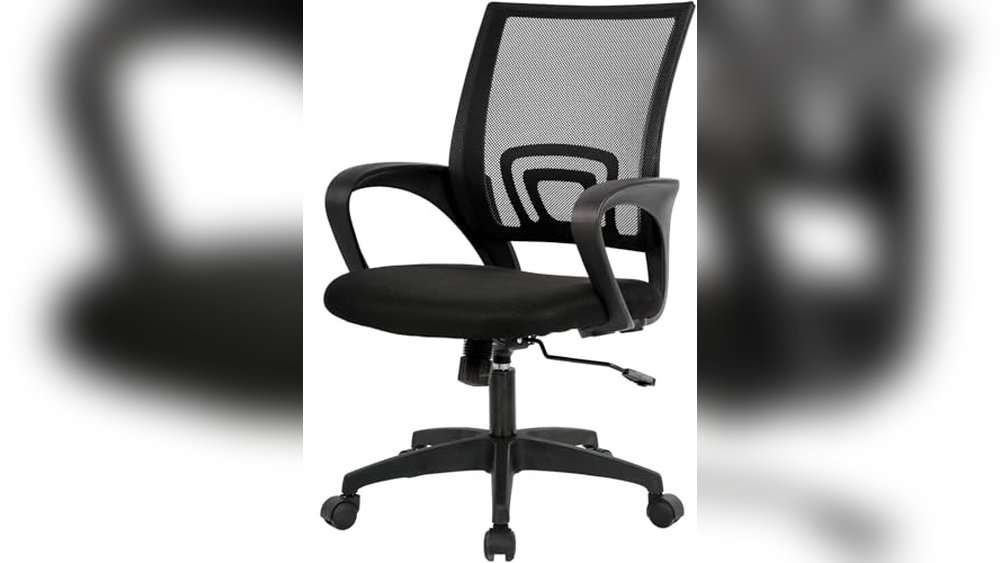
| Adjustable Chair | ✔ | Look for lumbar support | |
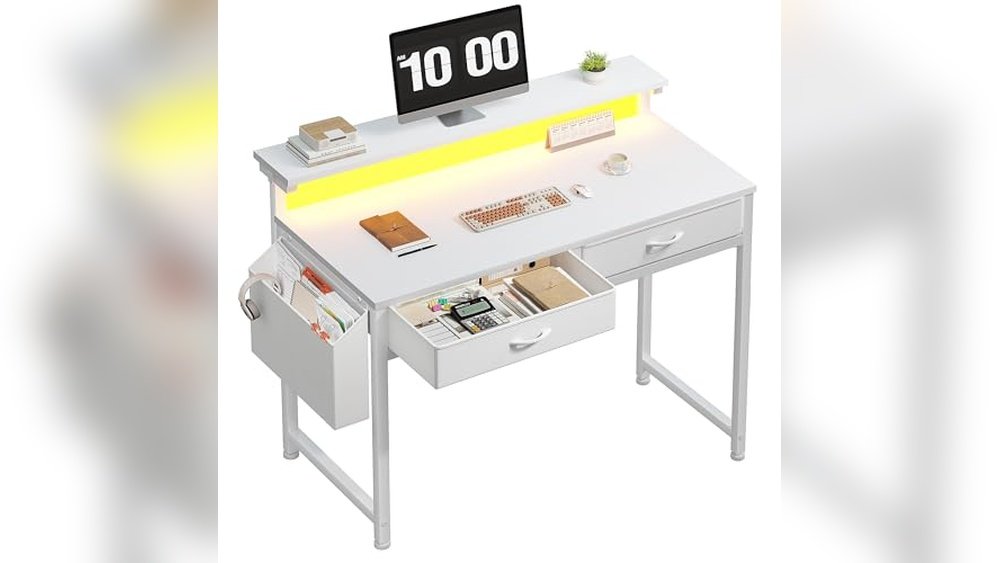
| Desk (correct height) | ✔ | Elbows at 90° angle | |
| External Monitor | ✔ | Screen at eye level | |
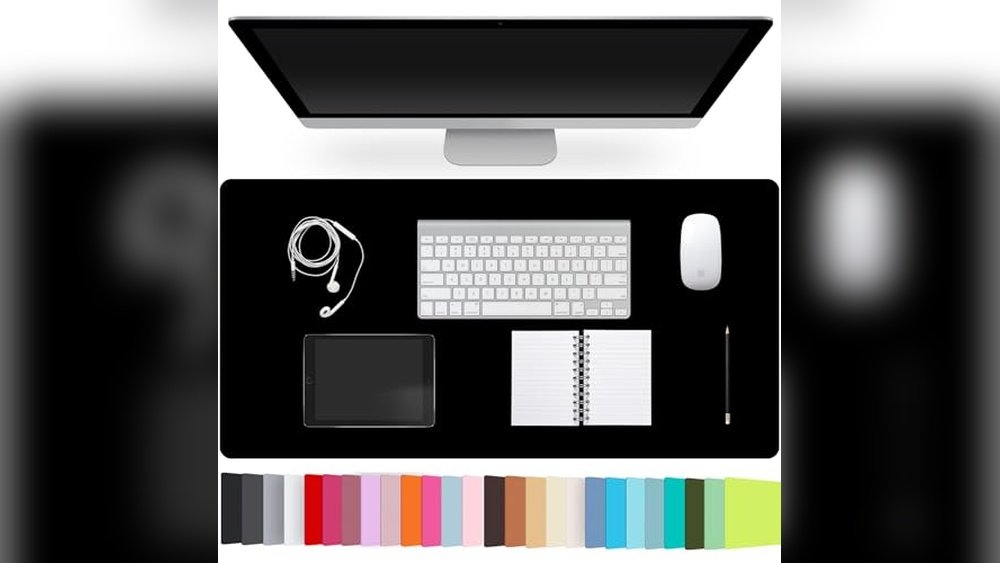
| Keyboard & Mouse | ✔ | Keep wrists straight | |
| Footrest | ✔ | Improves leg comfort | |
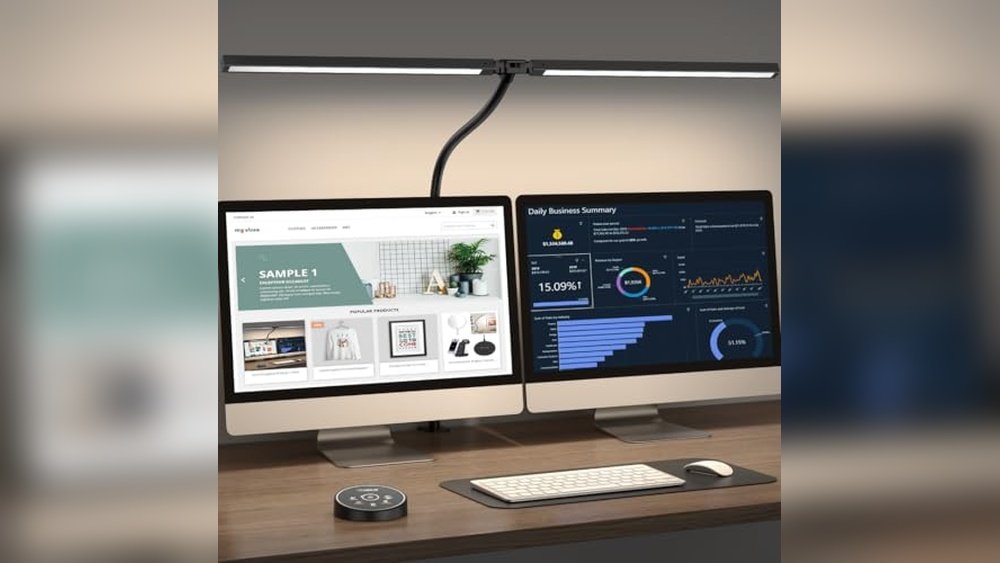
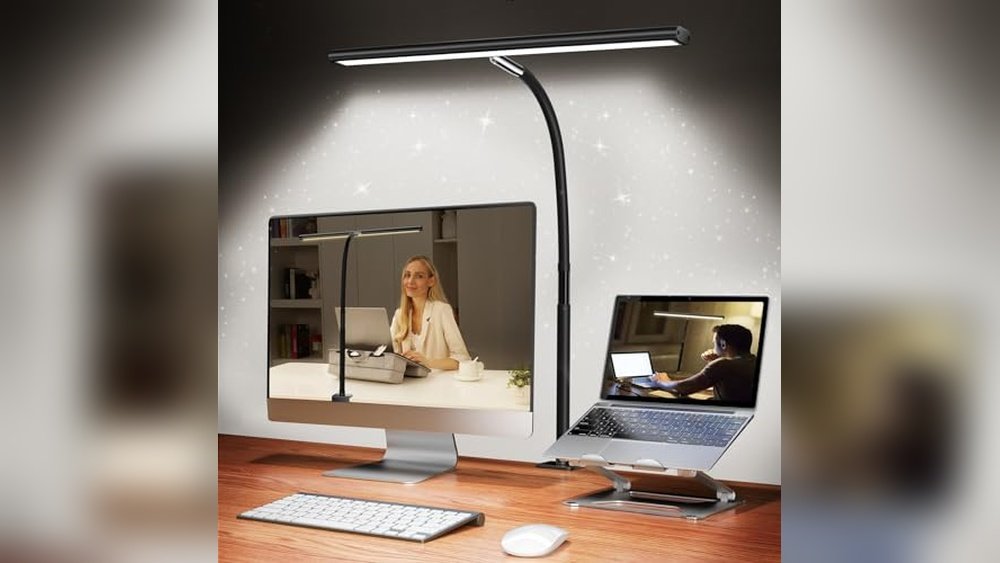
| Desk Lamp | ✔ | Reduces eye strain | |
| Monitor Stand | ✔ | Raises screen easily | |
| Anti-fatigue Mat | ✔ | Great for standing desks |
Pro Tip: Start with the essentials. You can always add upgrades if you have the budget.
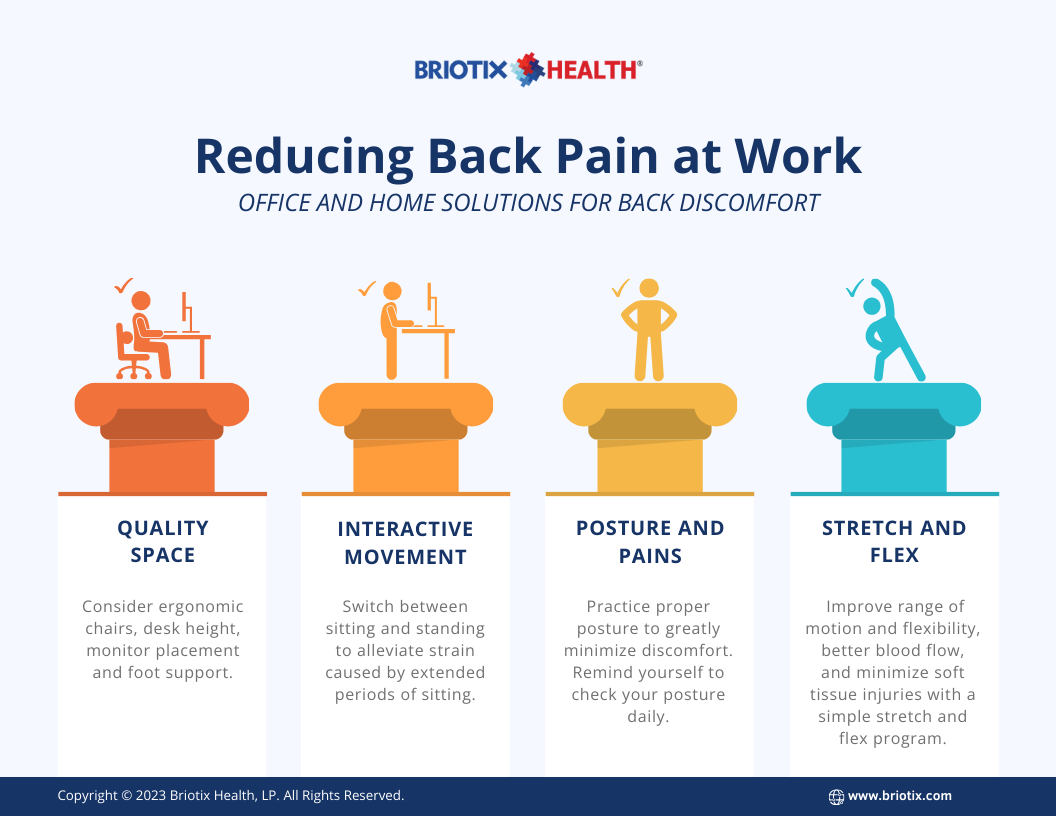
Credit: news.briotix.com
How To Arrange Your Study Space For Maximum Comfort
Getting the right equipment is step one. But how you arrange everything is just as important. Follow these steps for a setup that prevents back pain:
1. Adjust Your Chair
- Sit with your back straight and shoulders relaxed.
- Adjust the chair so your feet rest flat on the floor. If not, use a footrest.
- Your knees should be level with your hips.
- Look for a chair with lumbar support to maintain your spine’s natural curve.
2. Set Desk And Monitor Height
- Your desk height should let your forearms rest parallel to the floor.
- Place your monitor at eye level so you don’t tilt your head up or down.
- The screen should be about an arm’s length away.
3. Position Keyboard And Mouse
- Keep the keyboard and mouse close to your body.
- Wrists should stay straight, not bent up or down.
- Use a wrist rest if you notice strain, but avoid thick pads.
4. Organize Lighting
- Use a desk lamp for focused lighting.
- Avoid glare on your screen by placing the lamp to the side.
- Natural light is best, but control brightness with curtains or blinds.
5. Manage Cables And Clutter
- Keep cables out of the way to avoid trips or tangling.
- Only keep daily-use items on your desk.
- Store books and supplies in easy-to-reach places.
Non-Obvious Insight: Many people forget that screen brightness and glare can cause you to lean forward or squint, leading to poor posture.
Budget And Time Breakdown For A Quick-start Ergonomic Setup
Setting up an ergonomic workspace doesn’t have to be expensive or time-consuming. Here’s a realistic idea of what you need:
| Item | Budget Option | Time to Set Up |
|---|---|---|
| Adjustable Chair | $80 – $120 | 10 mins |
| Desk (fixed height) | $60 – $100 | 5 mins |
| Monitor Stand (books work too) | $0 – $30 | 2 mins |
| Keyboard & Mouse | $30 – $50 | 5 mins |
| Footrest (box or cushion) | $0 – $20 | 1 min |
| Desk Lamp | $15 – $40 | 2 mins |
Tip: Even if you’re on a tight budget, simple fixes—like stacking books to raise your monitor—can make a huge difference.
Quick-start Checklist For Ergonomic Study Setup
- Chair height: Feet flat, knees level with hips
- Back support: Lumbar cushion or built-in support
- Monitor position: Eye level, arm’s length away
- Keyboard/mouse: Close to body, wrists straight
- Lighting: No glare, lamp to the side
- Desk organization: Only essentials on top
- Breaks: Stand up every 30–45 minutes
How To Prevent Back Pain During Study Sessions
Even with the best setup, how you use your workspace matters. Here are practical habits to keep back pain away:
Use Good Posture
- Sit upright with shoulders relaxed.
- Avoid slouching or leaning forward.
- Keep your ears in line with your shoulders.
Take Regular Breaks
- Stand up and stretch every 30–45 minutes.
- Walk around for at least 2–3 minutes.
- Try simple stretches: Reach arms overhead, twist gently side-to-side.
Move Your Body
- Switch between sitting and standing, if possible.
- Shift your position often to avoid stiffness.
- Consider a short walk after long study sessions.
Listen To Your Body
- If you feel discomfort, adjust your setup right away.
- Don’t ignore pain or numbness—these are warning signs.
Non-Obvious Insight:Eye strain often leads to neck and back pain. Following the 20-20-20 rule (look 20 feet away for 20 seconds every 20 minutes) can help.

Credit: www.youtube.com
Do’s And Don’ts Table For Study Ergonomics
Here’s a quick guide to what you should (and shouldn’t) do:
| Do | Don’t |
|---|---|
| Adjust chair for back support | Slouch or hunch over desk |
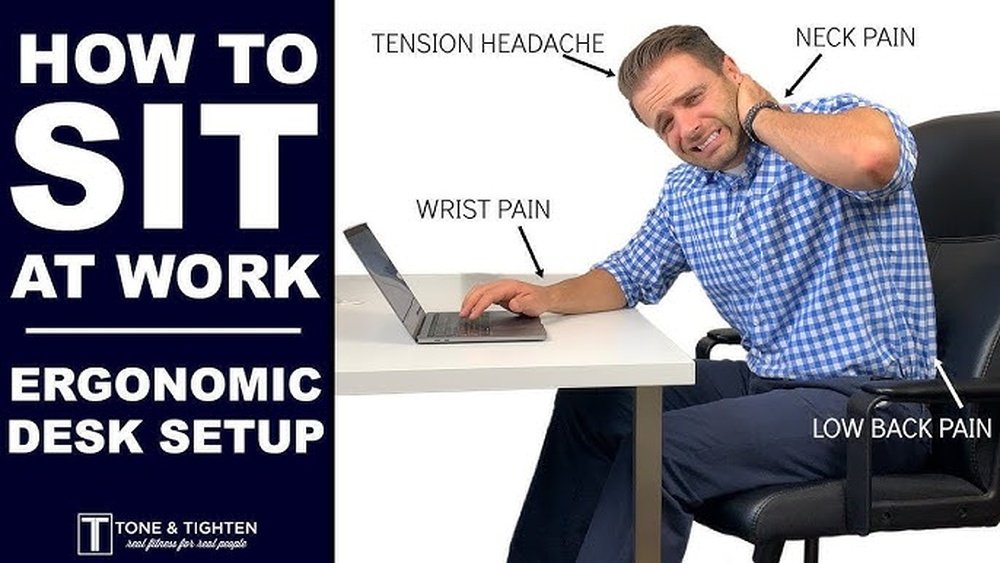
| Keep monitor at eye level | Look down at laptop for hours |
| Take breaks every 30–45 minutes | Work for hours without moving |
| Use proper lighting to avoid squinting | Work in poor lighting |
| Keep feet flat on the floor | Let feet dangle or cross legs for long |
Common Mistakes When Setting Up A Study Space
- Using a dining chair or sofa for long study sessions. These don’t support your back well.
- Ignoring monitor height—looking down at a laptop is a leading cause of neck pain.
- Placing the keyboard too high or low, causing wrist strain.
- Letting cables and clutter pile up, which can restrict movement and create stress.
- Not taking breaks—even the best setup can’t replace movement.
Tip: If you study in different places (like a library or café), carry a small lumbar pillow and try to adjust the chair and screen height as much as possible.

Credit: www.feelbetterclinic.co.uk
Resource Summary Box
key Resources:
- OSHA Ergonomics Guide – official tips on workstation setup
- apps Like “stretchly” – Free Reminders For Posture And Breaks
- online Videos For Stretches And Posture Tips
Key Takeaways
- ergonomic Setups Prevent Back Pain And Boost Productivity.
- Start with essentials: chair, desk, monitor at eye level, and proper lighting.
- arrange Everything So Your Body Stays Relaxed And Aligned.
- take Regular Breaks And Move Often.
- fix Small Problems Early To Avoid Long-term Pain.
Frequently Asked Questions
What Is The Best Chair For Preventing Back Pain?
A chair with adjustable height, lumbar support, and firm cushioning is best. Look for one where your feet rest flat on the floor and your back feels fully supported.
How High Should My Monitor Be?
Your monitor should be at eye level. The top of the screen should line up with your eyes when you sit up straight. This helps keep your neck and back aligned.
Can I Use A Laptop Without Extra Equipment?
It’s possible, but not ideal for long sessions. If you must use a laptop, raise it on books and use an external keyboard and mouse to avoid bending your neck.
How Often Should I Take Breaks During Study?
Take a short break every 30–45 minutes. Stand up, stretch, and move around to reduce stiffness and boost blood flow.
Where Can I Find More Ergonomic Setup Advice?
The OSHA Ergonomics Guide (OSHA Ergonomics Guide) is a trusted source for detailed tips on creating a healthy workspace.
Setting up your study area ergonomically is an investment in your comfort and health. With a few simple changes and regular healthy habits, you can prevent back pain and stay productive every day.