Many students struggle to stay organized with their study plans. In fact, a recent study from the American Psychological Association found that only about 17% of students use any kind of structured planner. This lack of planning often leads to missed deadlines, poor grades, and high stress. The solution? A well-designed study schedule template—one that’s easy to print, use, and stick with. Having a visual, concrete plan can boost your productivity, reduce anxiety, and help you reach your goals faster. Let’s explore how a good study schedule template works, which planners actually help, and how to use them for real results.
What Is A Study Schedule Template?
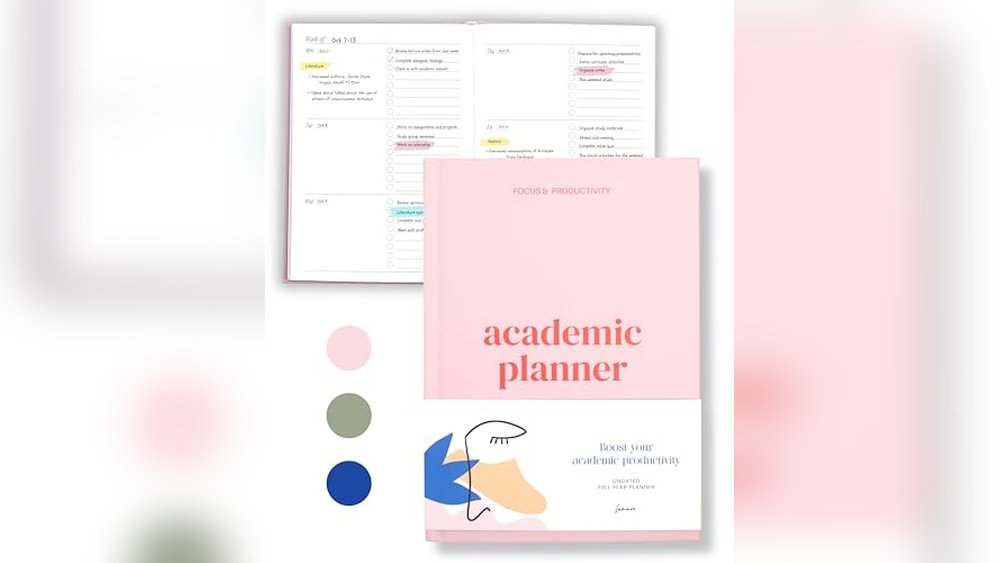
A study schedule template is a pre-made chart or planner you can print or fill out. It breaks your week or month into blocks of time, so you can plan when to study each subject, do homework, or revise for exams.
Think of it like a personal assistant for your studies. Instead of guessing what to do next, you follow a clear roadmap. It’s like athletes following a training plan: with structure, they perform better. Students who use planners often report higher grades and less stress.
A helpful example: Imagine you have math homework, history reading, and a science test coming up. Without a template, you might forget the science test until the last minute. With a template, you see all your tasks and can spread out your study time, making the workload less overwhelming.
Why Use A Study Schedule Template?
- Clarity: You always know what to study next.
- Motivation: Checking off tasks feels rewarding.
- Balance: You can see if you’re spending too much time on one subject.
- Flexibility: Templates let you adjust as plans change.
- Reduced stress: No more last-minute panic before exams.
Beyond these, a template can help you notice patterns in your focus. For example, if you always leave English until the end of the day when you’re tired, you might realize you need to switch the order for better results.
Templates aren’t just about time—they reveal your study habits.
Types Of Study Schedule Templates
Not all templates are the same. Here are the most popular formats, with their best use cases:
| Template Type | Best For | Example |
|---|---|---|
| Daily planner | Busy days, tight deadlines | 8am–9am: Math, 9am–10am: English |
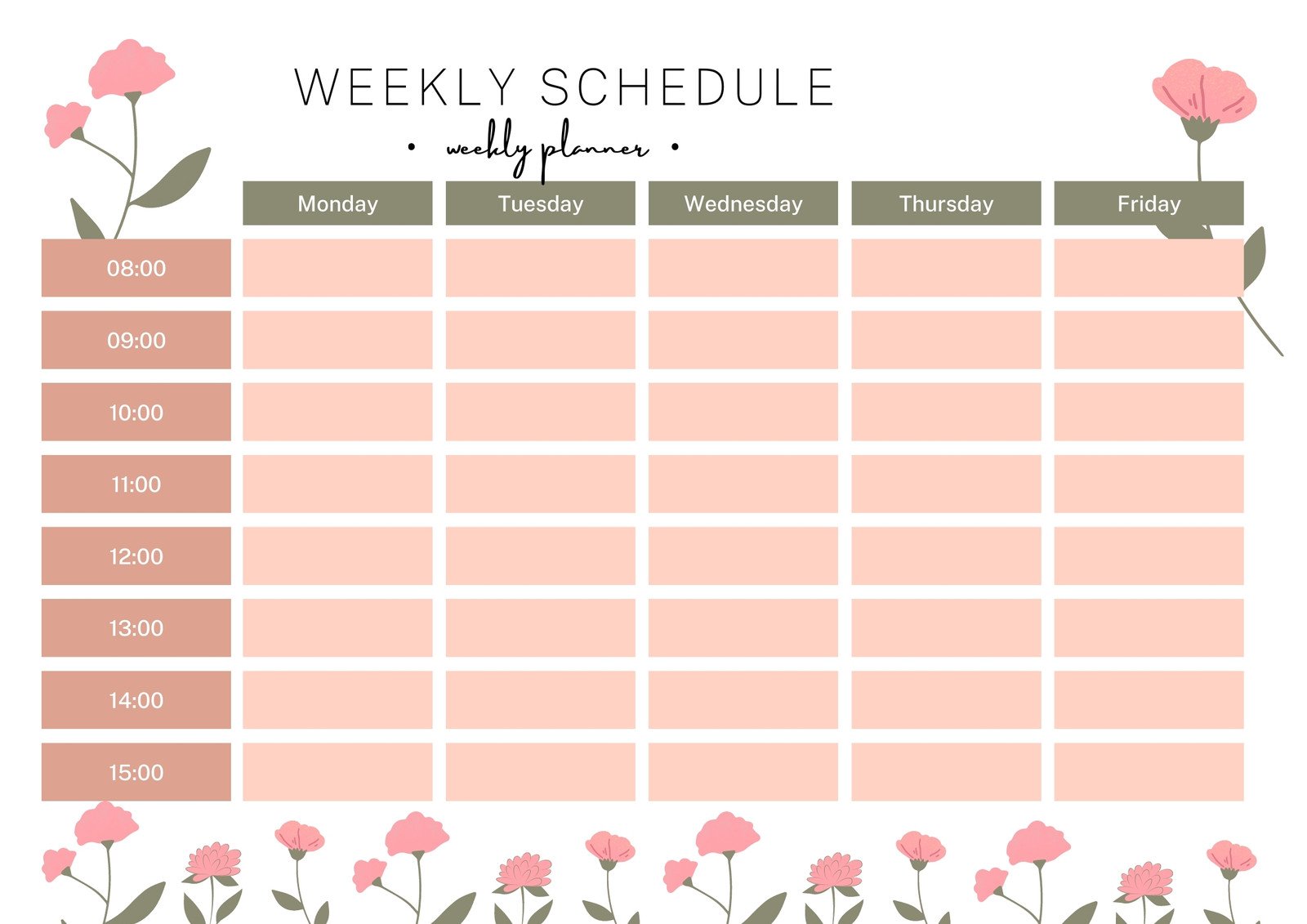
| Weekly schedule | Balancing multiple subjects | Monday: Science, Tuesday: History |
| Monthly calendar | Exam preparation, long-term projects | Exam dates, project deadlines |
| Subject tracker | Tracking progress for each subject | Math: 3 chapters done, 2 left |
You can even combine templates. For example, use a monthly calendar to see big deadlines, and a weekly planner to break down tasks. Many students find that a mix of formats helps them see both details and the bigger picture.
Choosing The Right Template
- Short-term goals? Try a daily or weekly template.
- Major exam ahead? Go for a monthly calendar.
- Need to build habits? Use a subject tracker.
If you’re not sure, test a template for a week. Notice which format keeps you most focused and less stressed. There’s no single “best” template—pick what fits your learning style.
Essential Elements Of A Good Study Schedule Template
A great template does more than list times. It gives you structure and flexibility. Look for these features:
- Time blocks: Clear start and end times.
- Subject slots: Space to write what you’ll study.
- Break reminders: Short pauses to avoid burnout.
- Goal setting: Daily or weekly targets.
- Priority markers: Highlight urgent tasks.
- Progress checkboxes: Mark what’s done for motivation.
Some templates also include space for notes or reflections. For example, after each study block, you might write how focused you felt or what distracted you. Over time, these notes can help you improve your habits.
Missing any of these can make your planner confusing or incomplete. For example, forgetting to add breaks can lead to overload. Leaving out priority markers might cause you to waste time on less important tasks.
How To Use A Study Schedule Template (step-by-step)
Getting the most from your planner takes a bit of practice. Here’s how to set up and use your template for real results.
1. Print Or Download Your Template
Choose a format that fits your needs. Printable PDFs are great for quick use. Digital templates (Word, Google Sheets) are easy to edit and share. You can find free templates at sites like Canva.
If you prefer writing by hand, print your template and keep it in your binder or on your desk. If you like digital tools, try apps that sync across your devices, so you can update your schedule on the go.
2. Fill In Fixed Commitments First
Add classes, work, meals, and any non-negotiable activities. This shows your free time.
A common mistake is forgetting about travel time or chores. Always include time for getting to class or preparing meals—otherwise, your schedule will not be realistic.
3. Set Study Goals
Decide what you want to achieve—finish two chapters, revise for a quiz, or review notes. Be specific.
Instead of writing “study math,” write “finish math worksheet 5” or “review algebra notes. ” This keeps you focused and makes your progress easy to measure.
4. Block Out Study Times
Place your study sessions in open slots. Make blocks realistic—45–60 minutes works well for focus.
If you find yourself distracted after 30 minutes, start with shorter blocks and build up. Some students use the Pomodoro method (study 25 minutes, break 5 minutes) for better focus.
5. Assign Subjects And Tasks
Write which subject you’ll study in each block. Add details: “Biology—Chapter 2 notes,” not just “Biology.”
If you have a big project, break it into smaller tasks over several days. This helps you avoid feeling overwhelmed and makes each step clear.
6. Plan Breaks
After each session, add a 5–10 minute break. This keeps your mind fresh.
Use breaks to stretch, walk, or drink water—not just check your phone. Physical movement can boost energy and help you refocus for your next study block.
7. Review And Adjust
At the end of each day or week, check what worked. Move unfinished tasks to the next session.
Reflect on why you missed a task—was it too much work, or did something unexpected come up? Adjust your plan to fit your real life, not just your ideal routine.
8. Mark Completed Tasks
Ticking off finished sessions gives a sense of progress and keeps you motivated.
You might also rate your focus or energy for each session. Over time, you’ll see which study times are best for you.
9. Reflect Weekly
Once a week, review your template. Did you stick to it? What needs to change? Adjust for better results.
Some students use a short Sunday reflection to celebrate wins and set new goals. This helps you start the next week with a clear plan and a positive mindset.

Credit: yaayplanners.com
Pro Tips For Effective Study Planning
- Use color coding: Assign colors to subjects for a quick overview.
- Stay flexible: If you fall behind, don’t panic—just adjust your plan.
- Set realistic goals: Overloading your schedule leads to frustration.
- Include review sessions: Leave time for revision before big tests.
- Limit distractions: Study in a quiet place, and keep your phone away.
One extra tip: Try setting a “buffer day” each week—a day with less planned study time. Use this for catching up or relaxing. Many students find this reduces stress, especially during busy weeks.
Common Mistakes To Avoid
| Mistake | How to Avoid |
|---|---|
| Overplanning | Leave space for breaks and unexpected events |
| Ignoring priorities | Mark urgent tasks with stars or colors |
| Not reviewing progress | Check your template daily and weekly |
| Skipping breaks | Add short pauses to avoid mental fatigue |
A less obvious mistake is forgetting to update your template after changes. If a new assignment is announced, add it right away. Keeping your planner current is key to staying organized.
Credit: www.canva.com
Printable Study Schedule Planners (with Free Templates)
You don’t need to design your own from scratch. Here are free, ready-to-use planners:
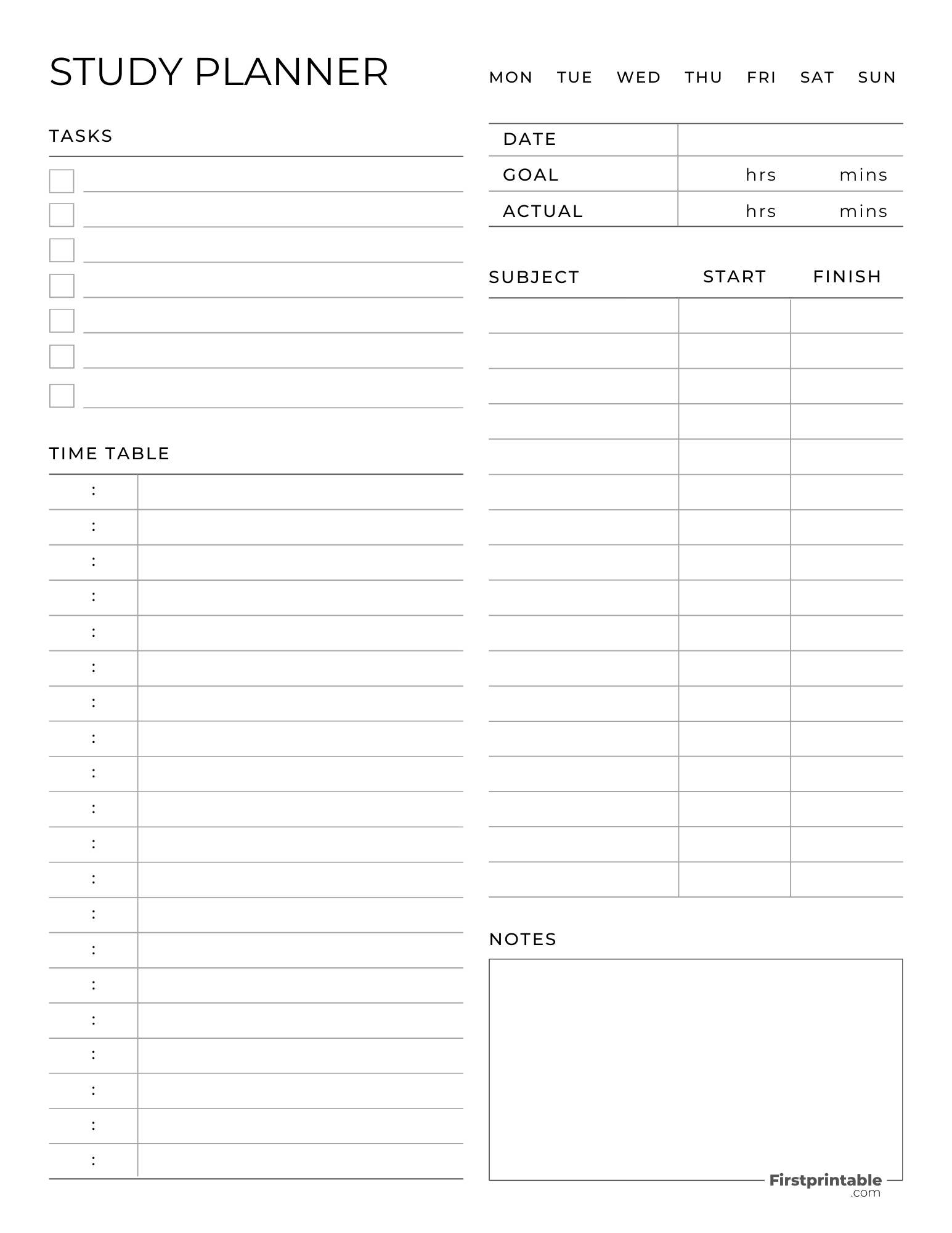
Daily Planner
- Description: Blocks every hour for one day. Best for busy or deadline-heavy days.
- Features: Time slots, task list, priority section, break tracker.
- Where to find: Search “free printable daily study planner PDF.”
The daily planner is also good for identifying your most productive times. For example, you might realize you focus best in the morning, so you schedule your hardest subjects first.
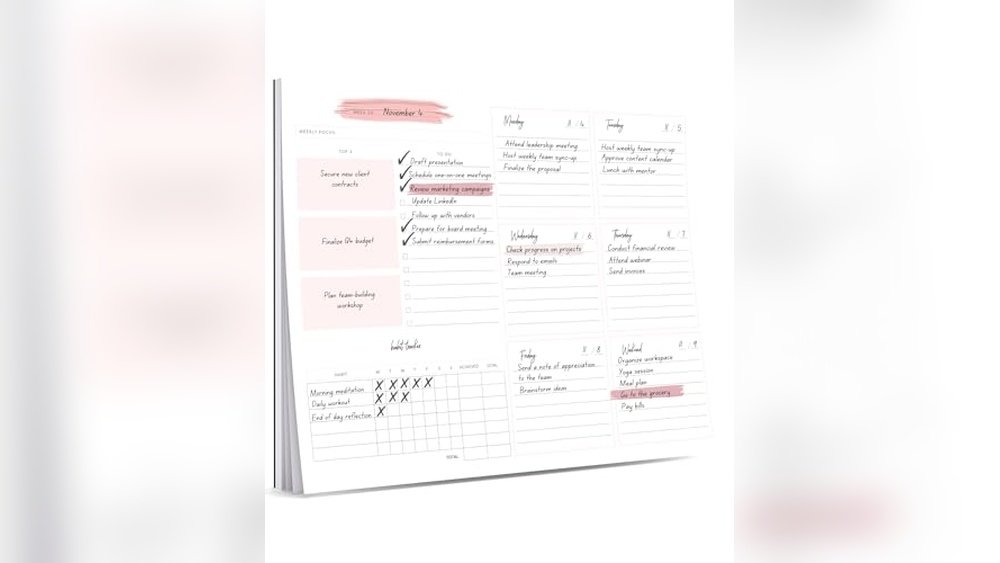
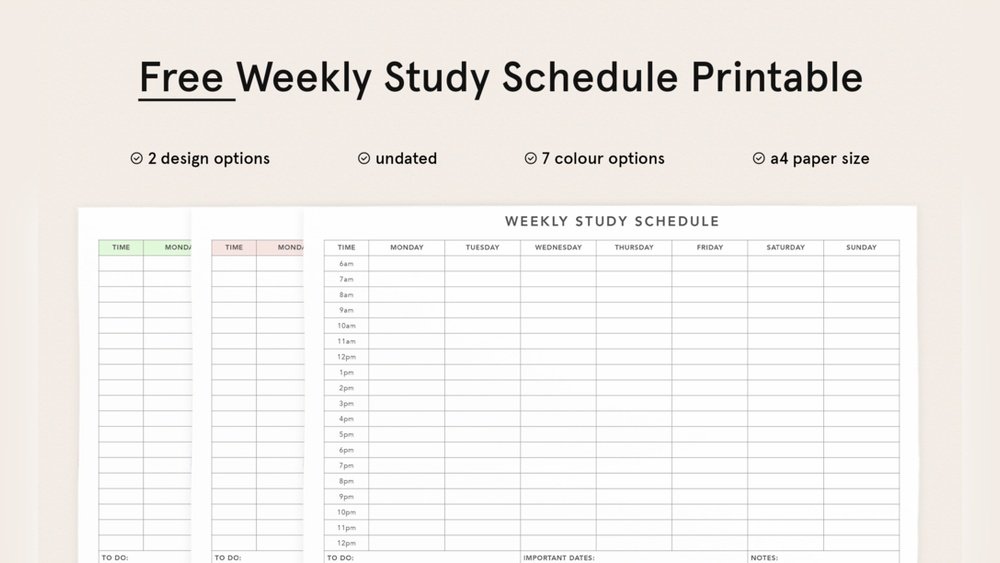
Weekly Planner
- Description: Shows the whole week on one page. Ideal for tracking multiple subjects.
- Features: Day columns, subject/task rows, progress checkboxes.
- Where to find: Look for “weekly student planner template” online.
Weekly planners let you see both school and personal tasks together. This helps you avoid double-booking yourself or missing important events.
Monthly Planner
- Description: Calendar-style for big-picture planning. Great for exams and projects.
- Features: Date boxes, goal section, deadline highlights.
- Where to find: Try “free printable monthly academic calendar.”
The monthly planner is especially useful if you have overlapping projects or exams. You can spot busy weeks early and start preparing in advance, reducing last-minute stress.
Subject Tracker
- Description: Focuses on tracking progress in each subject.
- Features: Subject list, chapter tracker, completion checkboxes.
- Where to find: Search for “subject progress tracker printable.”
Subject trackers are great for classes that require steady progress, like language learning or reading assignments. You can quickly see if you’re falling behind in any subject and adjust your study time.
| Planner | Best For | Pros | Cons |
|---|---|---|---|
| Daily | Full schedules, fast deadlines | High detail, easy to follow | Can feel repetitive |
| Weekly | Balancing many subjects | Big picture, flexible | May miss daily details |
| Monthly | Long-term goals, exams | Tracks deadlines, visual overview | Less detailed for daily tasks |
| Subject Tracker | Measuring subject progress | Motivates, easy to update | Doesn’t show time schedule |
Quick-start Guide: Make Your Own Study Planner
Want to create a custom planner? Here’s how you can do it fast:
- Pick your layout: Decide if you want daily, weekly, or monthly.
- Draw time blocks: Use a ruler or table in Word/Google Docs.
- Add headings: Days, subjects, tasks.
- Print copies: Keep extras for busy weeks.
- Decorate: Use stickers or colors for fun and motivation.
Personalizing your planner makes it more enjoyable to use. For example, add motivational quotes or small rewards for meeting your goals. Some students like to add “reflection spaces” to write what went well each week.
Credit: firstprintable.com
Key Takeaways
- Study schedule templates help you plan, stay organized, and reduce stress.
- Choose a template that fits your goals: daily for detail, weekly for balance, monthly for big-picture.
- include Time Blocks, Breaks, And Goals For Best Results.
- avoid Overplanning, Skipping Breaks, Or Missing Reviews.
- free Printables Are Available Online—use Them Or Make Your Own.
Frequently Asked Questions
How Do I Stay Motivated To Follow My Study Schedule?
Set realistic goals, check off completed tasks, and reward yourself for progress. Studying with friends or using reminders also helps you stay on track. Try changing your study spot if you feel stuck—it can refresh your mind.
What If I Fall Behind On My Study Plan?
Don’t worry—just adjust your template. Move missed tasks to a new time block and focus on your most important goals first. Remember, your schedule is a tool, not a rule. Flexibility is key to long-term success.
Can I Use Digital Planners Instead Of Printed Ones?
Yes! Digital planners (like Google Calendar or Notion) are great for quick edits and reminders. Choose what fits your style best. Digital tools also let you set automatic alerts for deadlines or exams.
How Much Time Should I Study Each Day?
Most experts suggest 1–2 hours per subject, depending on your workload. Include breaks and don’t overload your schedule. Pay attention to your focus—if you start to feel tired, a short rest is better than pushing through.
Where Can I Find Free Printable Study Schedule Templates?
You can find many high-quality, free templates at sites like Study Guides and Strategies.
A good study schedule template isn’t just a piece of paper—it’s your roadmap to success. With the right tools and habits, you’ll study smarter, feel less stress, and reach your academic goals with confidence. With practice, your planner will become an essential part of your study routine, guiding you step by step toward better grades and a more balanced life.